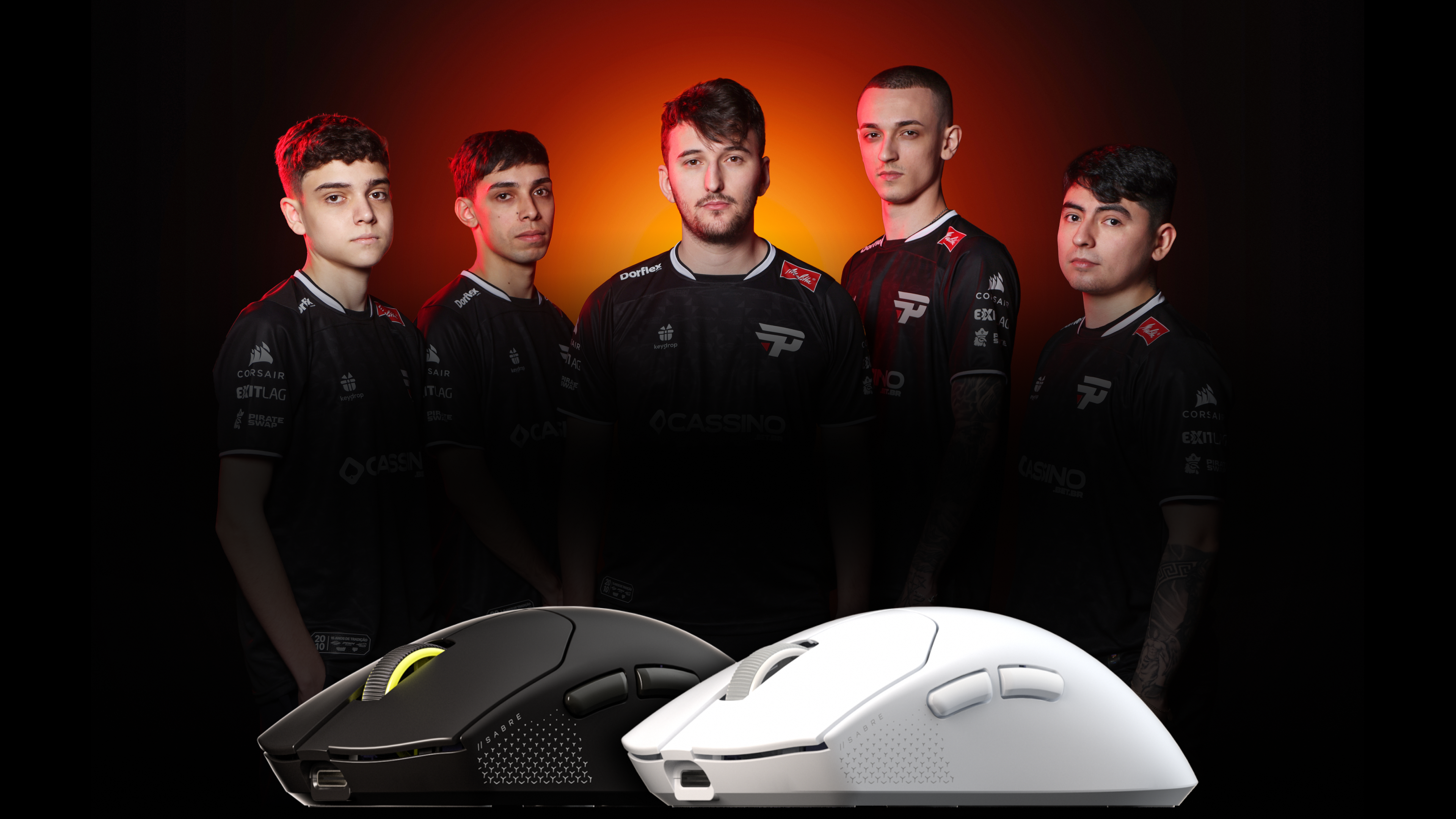
It was only a couple of years ago that I reviewed the Logitech G Pro X Superlight 2 gaming mouse, and at the time, it was the lightest mouse I had ever used and ever since, it has been my go-to gaming mouse.
At only 60 grams, I was blown away by how light and easy it was to navigate during a fast-paced game. And then along came the latest mouse I have had the pleasure of reviewing, the Corsair Sabre v2 Pro.
The Corsair Sabre v2 Pro weighs just 36 grams. Yes, that is not a typo; it is only 36 grams. At this price, you would think it must lack important features and functions. Spoiler: it does, but are they all that relevant to the intended user? I tested it out to see if its semi-limited functionality actually makes a difference.
The Corsair Sabre v2 Pro is an ultralight gaming mouse with an 8,000Hz hyper-polling rate for an insane input response time, a 33K DPI and over 70 hours of wireless battery life. It offers wired and wireless connectivity, mechanical switches custom-tuned for up to 100 million clicks, and rates.
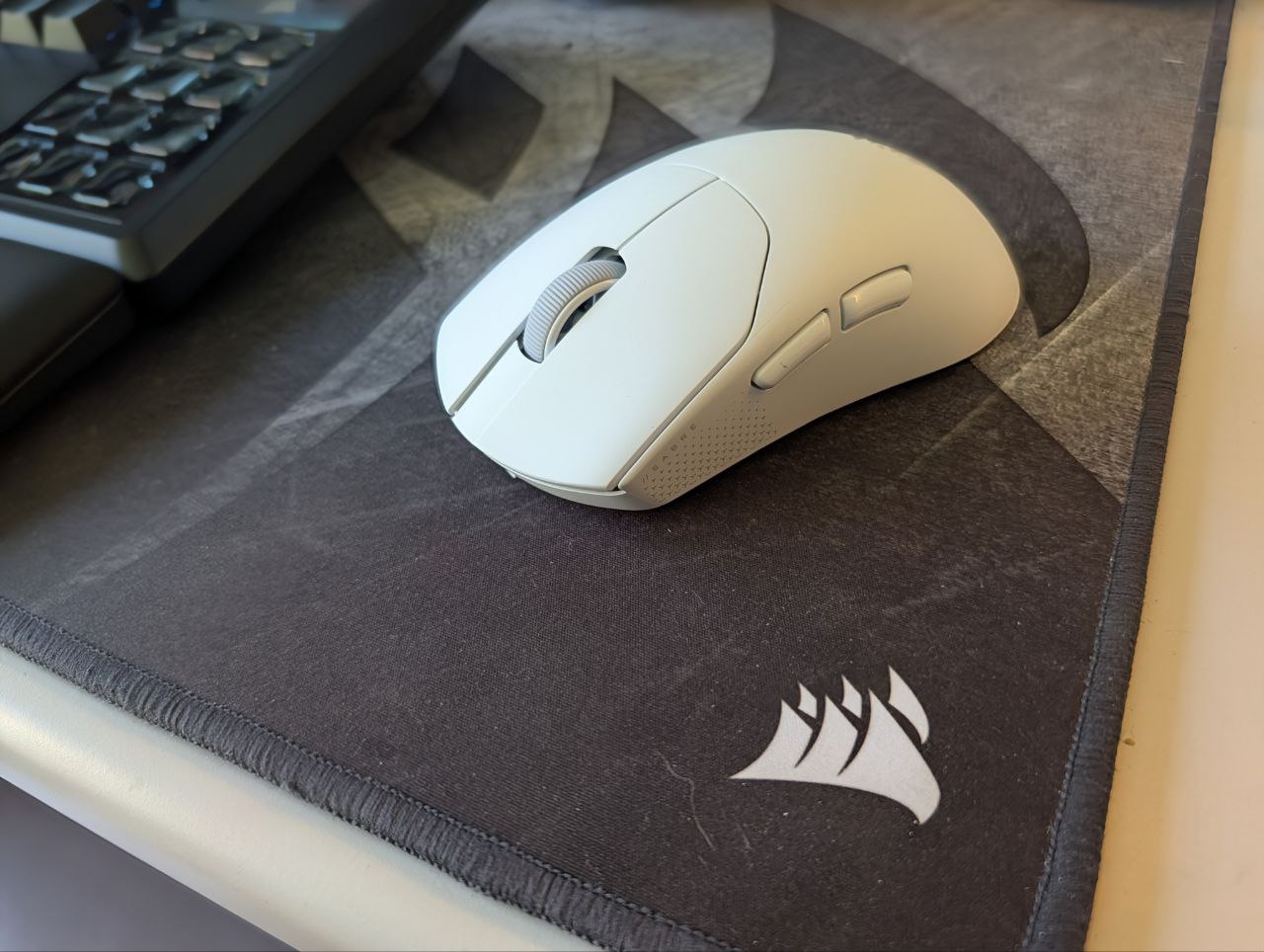
The Corsair Sabre v2 Pro is shorter than the Logitech G gaming mouse I normally use, measuring just 119mm. This takes some getting used to but once I had used the mouse for a few hours, it felt the same.
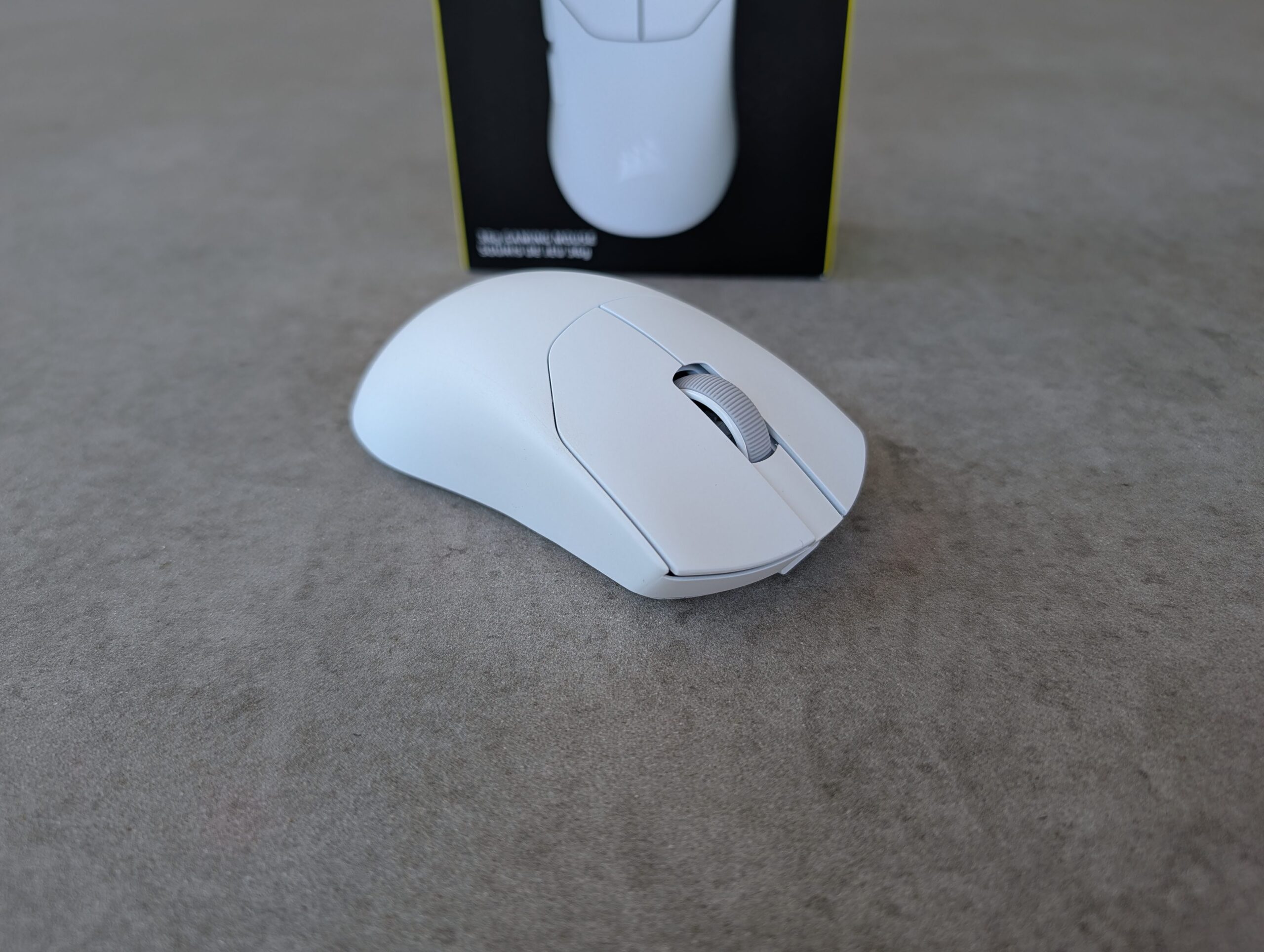
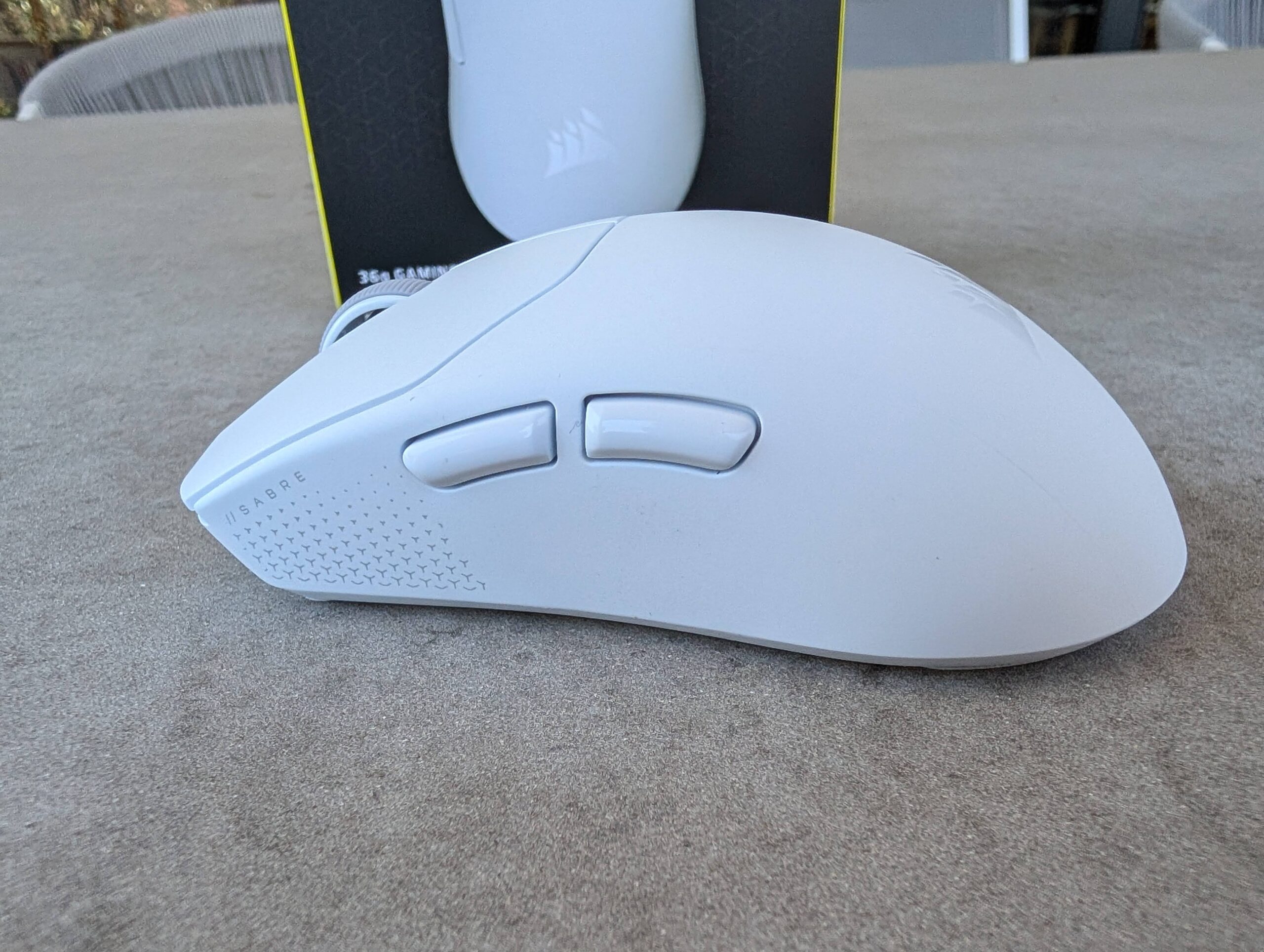
The Sabre v2 Pro is a symmetrical design, extremely similar to the standard ultralightweight mouse, and fits nicely in the palm of your hand.
Back when I reviewed the Logitech G Pro X Superlight 2 mouse, I said it was not a fancy-looking mouse, lacked Bluetooth connectivity, had no RGB lighting, and was nothing superfluous.
The same statement applies to the Corsair Sabre v2 Pro. A low-latency Bluetooth option would have been nice, as would some funky constant RGB lights, but both of those would add weight to the mouse and affect that ultra-lightweight 36 grams – the biggest feature of this gaming mouse. Strangely enough, there is a green light that lights up when you turn the mouse on but switches off after a second or two. I wonder how much more weight would be added making this light full RGB and customisable?
It is designed for the serious gamer who wants precise movement and precise clicking. That’s it. Nothing more – but that’s enough.
The mouse’s battery is rechargeable, and Corsair states you can get up to 70 hours of wireless use from a single charge, so you should not have any issues. Other ultra-lightweight mice have a longer battery life but I’m yet to be convinced why you need a battery life this long.
Even 70 hours is excessive, and I’m sure the longer the battery life, the larger the battery and thus the heavier the mouse. Just make sure you plug it in before long gaming sessions, but if you’re gaming for more than 12 hours at a single sitting, you need to seek help with your addiction.
The Sabre v2 Pro is great for pretty much whatever you want to do with it. Scrolling the Internet was smooth and comfortable, though it wouldn’t be my choice for a productivity mouse, given the ergonomics and functionality of my MX Master 4. I also prefer the ease of use of Bluetooth, which lets me switch between sources easily.
Gaming, the mouse is exceptional. It feels so incredibly light at first that it is actually a bit off-putting. It feels a bit cheap because we often equate lightweight with a less solid, cheaper builder quality but the Corsair mouse is not that. It is a well-constructed mouse that is actually solid, and what is inside must be of quality, given its feel.
The mechanical switches in the buttons are excellent quality and have an exceptional feel – slightly different to my usual gaming mouse, so that took some getting used to as well. The buttons had a very slight ‘mushier’ feel, but the precision and feel remained.
The default skates on the bottom of the mouse are very minimal, and I was not a massive fan of them. They didn’t seem to glide as fast across the high-quality Corsair mousepad I use. Luckily, Corsair include a extra set of skates that feel so much better and glide more smoothly across the mousepad.
They made the mouse feel smoother than any other gaming mouse I own and when combined with the ultra-lightweight nature of the Sabre v2 Pro, resultedin a responsive and easy-to-use gaming mouse. Of course, if you prefer a certain type of skate, you can also purchase them from your usual stores if you wish. I was happy with the spare set of skates in the box and the glide that they provided.
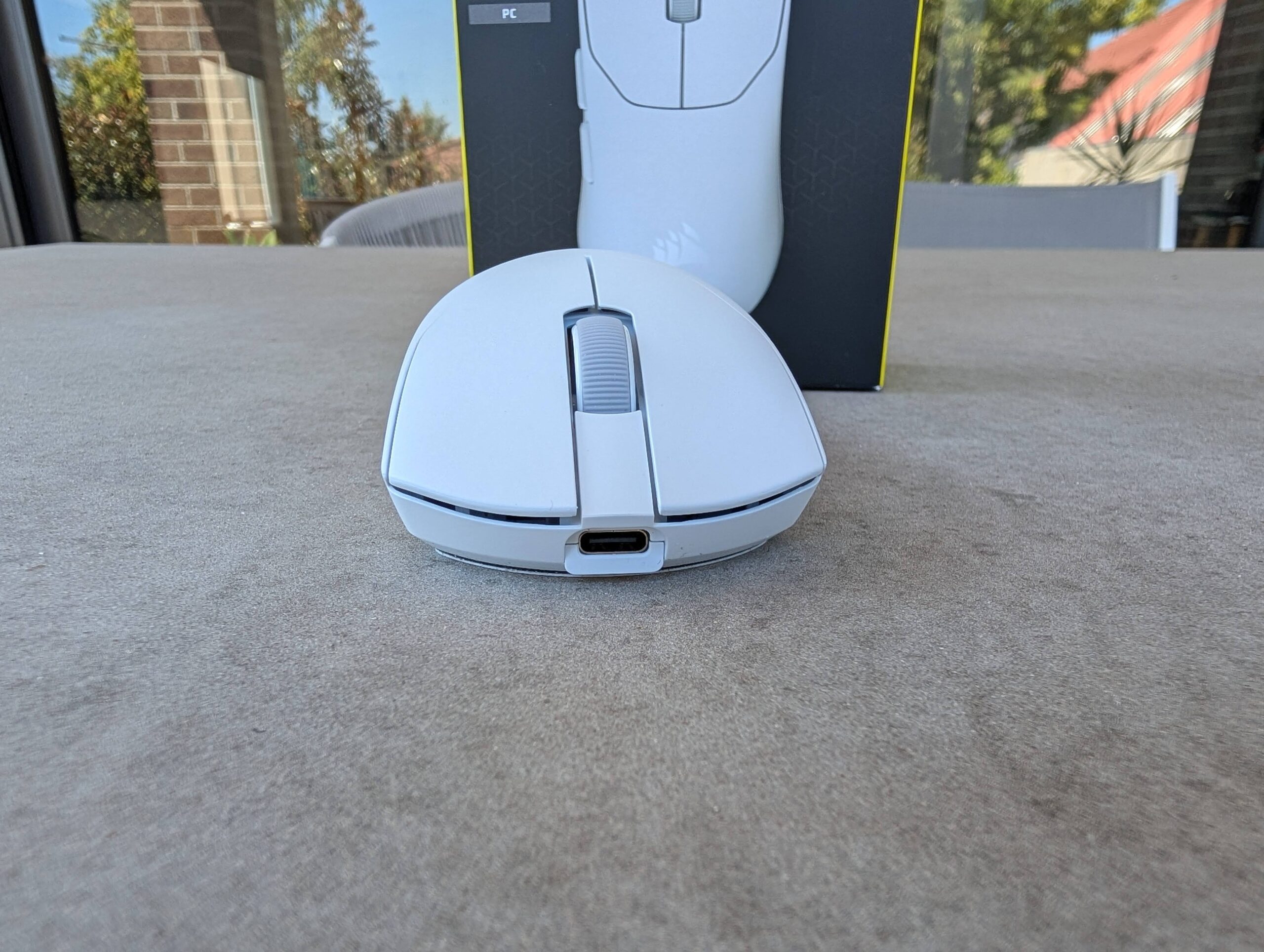
The mouse is connected to your PC via either the included Wi-Fi dongle or the USB-C cable. The issue I had with the dongle is how it is connected. Every other Wi-Fi gaming device connects via a direct dongle that plugs straight into your PC, without a cable. This is cumbersome and just adds mess to the back of my PC.
Rather than having the usual installable app for your PC, Corsair use an online tool, which is a nice change – I already have far too many things installed on my PC without having to add yet another app.
The web-based tool does mean you are at the mercy of your Internet connection (and Corsair’s servers) but that shouldn’t be an issue in 2026. The Corsair Web Hub is incredibly basic – but so is the mouse. There are only so many things you can alter on this mouse, so it is fitting to be a basic web tool.
Using the Corsair Web Hub, you can change key assignments for the side buttons (usually the forward and back buttons), create your own macros, change DPI presets and the polling rate, and update the mouse’s software.
The problem is though, that if you like to use different settings for different games, you will need to change that through the Web Tool when you change games, as it is possible to store only a single profile on the mouse.
At first use, the Corsair Sabre v2 Pro feels too light. At first, it feels cheap, like it will fly off the mouse pad and be difficult to use precisely. After using it for a few weeks, though, it is the opposite — well-built, super light, easy to control and move, and smoothly gliding across my mouse pad. I was able to use it fast and accurately for fast-paced games.
Going back to my older gaming mouse felt slow, grippy on the mouse pad, and heavy (which it isn’t, but relative to this one, it was). The Corsair Sabre v2 Pro is a great mouse for fast-paced games and those who prefer an ultra-lightweight gaming mouse. There is no fancy RGB lighting, nor Bluetooth connectivity — these are sacrificed in the ongoing search for a lighter mouse. They are not missed.
The Corsair Sabre v2 Pro is an exceptional mouse that weighs just 36 grams, making it lighter than nearly every other gaming mouse on the market. Nearly peerless, it is definitely a gaming mouse you should consider if you prefer an ultra-lightweight model.
The Corsair Sabre v2 Pro Ultralight Wireless gaming mouse is available now in black or white variants for RRP AU9 at all good PC and gaming stores.
Scott is our resident open technology expert. If you can mod it, or want to use it your way, Scott has probably done it. From Laptops to phones, headphones and game consoles, he’s played with it and wants to see the next generation.
Logitech has announced a new limited edition version of the best-selling MX Master 4, the…
If you're a fan of Formula One, be it a die hard like me watching…
While I've had no issues at all with the iPhone Duo unit I've been testing…
Apple is billing it as the "biggest update ever" to iPad mini and it is,…
NRMA Insurance has released it's latest analysis of the EV Market and their predictions for…
Beats recently launched its new over-ear headphones, the Beats 360, complete with customisable ear cushions…