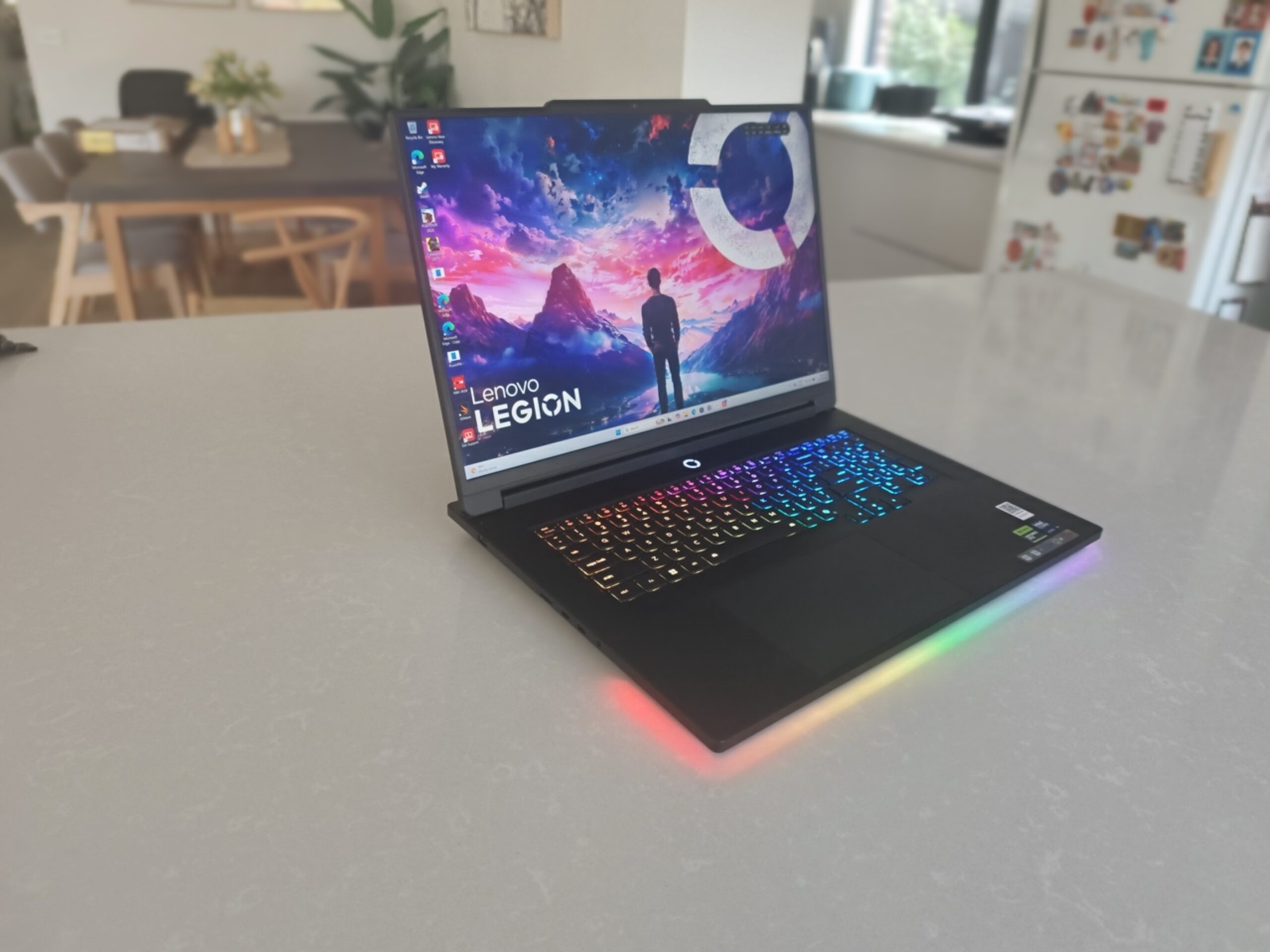
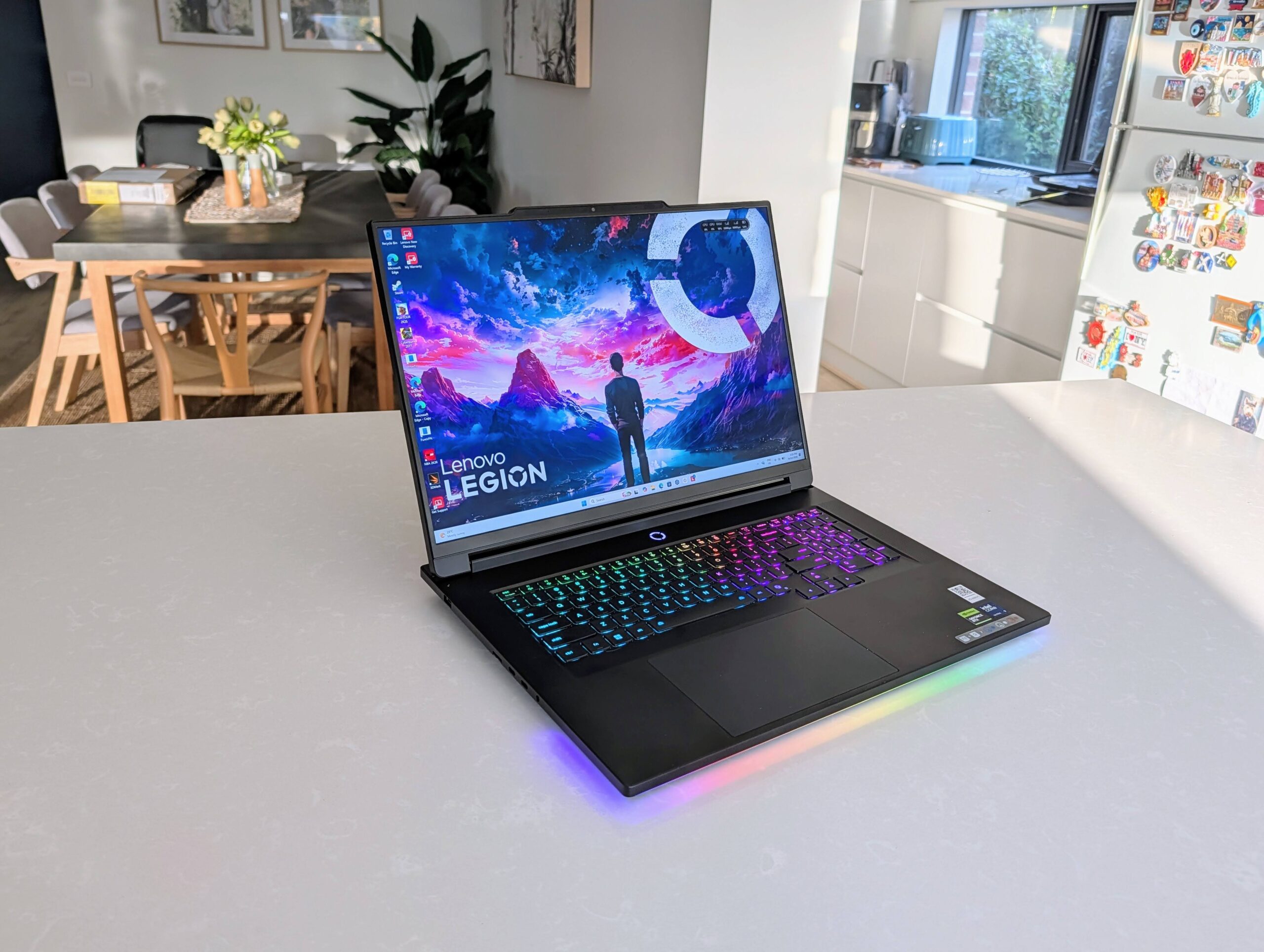
There are gaming laptops, and there are serious gaming laptops. The Lenovo Legion 9i most definitely sits in that second category. It is an absolute beast of a machine, but at a RRP of around $9,000 for the base model, you would hope so.
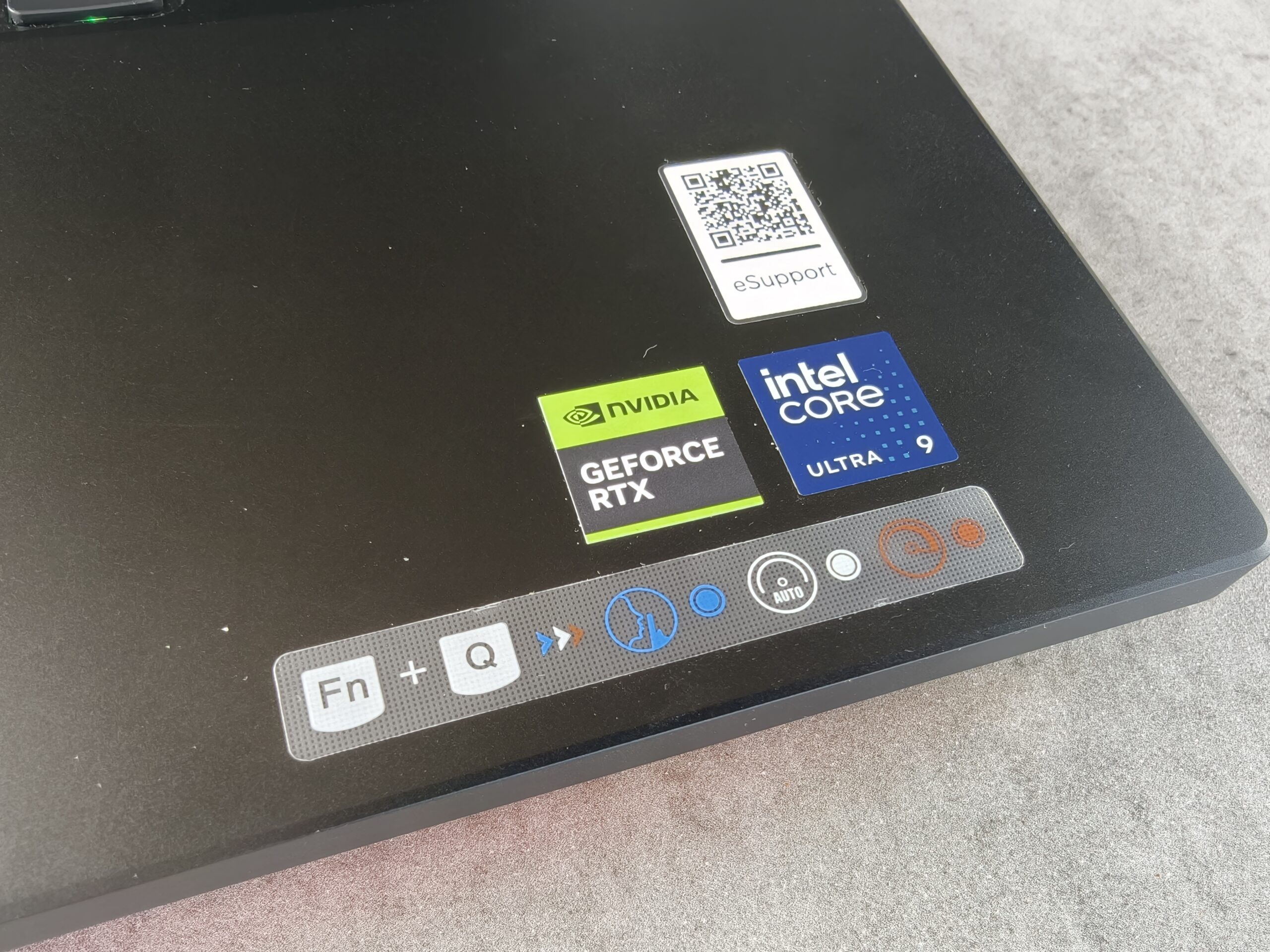
The review Legion 9i that I was sent is something else. It sports a massive 18-inch 3D display powered by an NVIDIA GeForce RTX 5090 Laptop GPU and an Intel Core Ultra 9 275HX (2.70 GHz). Add in a 2TB SSD, 64GB of RAM and you basically have a gaming desktop replacement.
| Pros | Cons |
| Design is stunning | Battery life sub-par |
| Massive display | Big and heavy |
| IR camera | Not cheap |
| Powerful gaming performance and GPU | |
| Clever use of RGB lighting | |
| Multi-purpose keyboard |
As you might expect from the short list of specs above, the Lenovo Legion 9i gaming laptop is decent. I would go as far as to say that it is one of the, if not the very best, gaming laptops I have ever used. Read on to find out why I thought this.
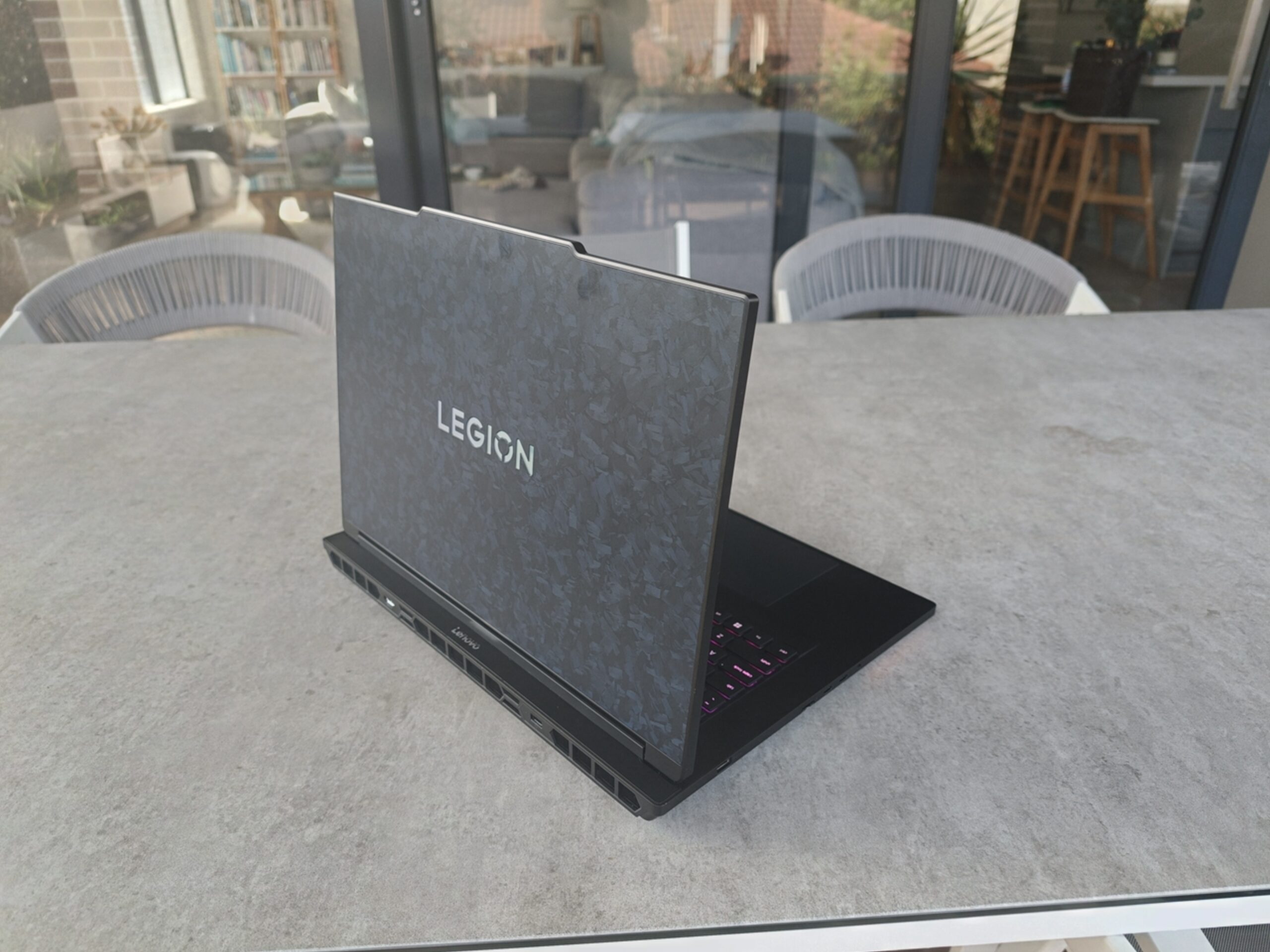
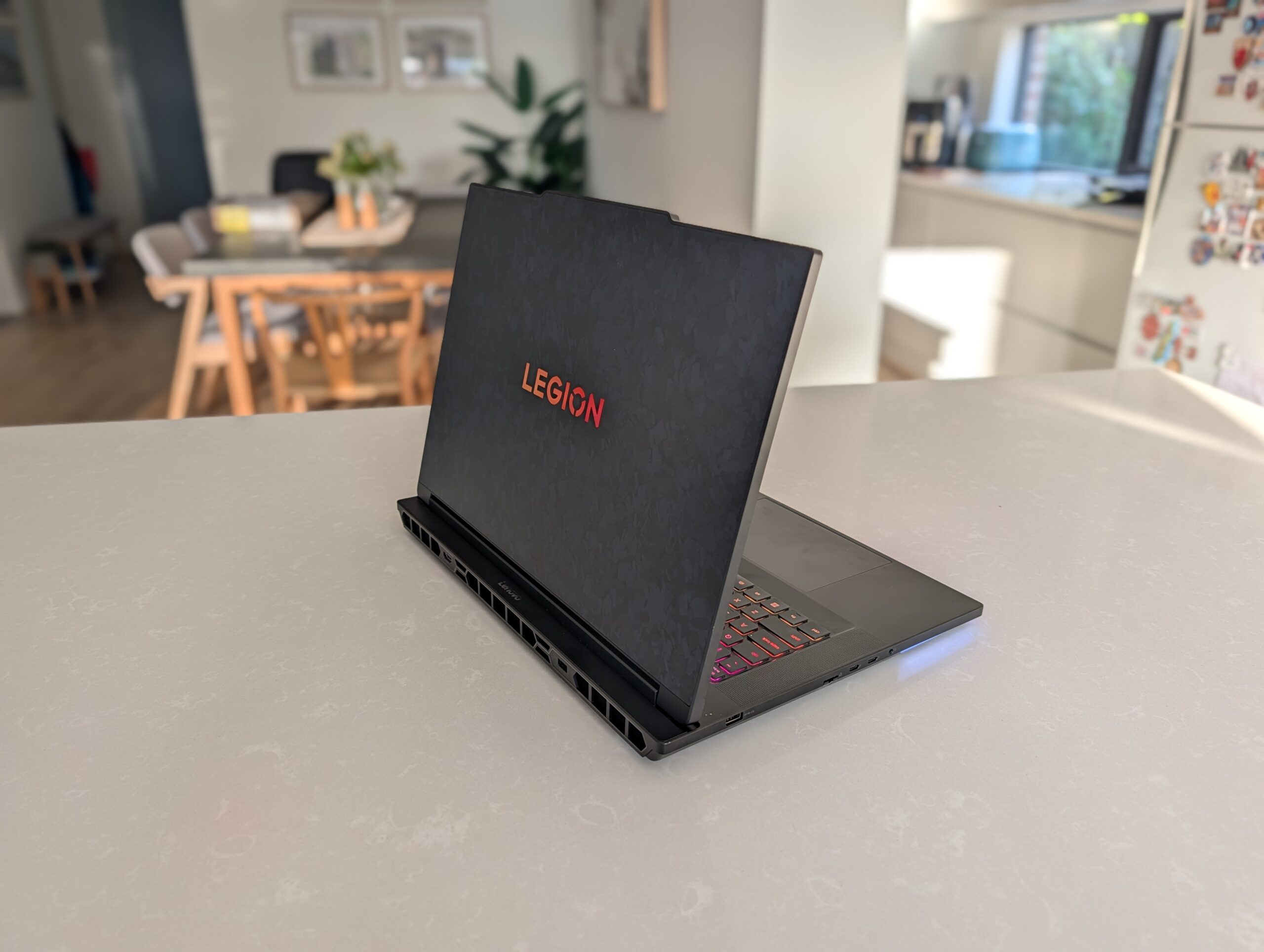
As soon as I opened the box for the Legion 9i, I was amazed by what Lenovo had done. Sure, a lot of gaming laptops have RGB lights in various places, but even the carbon fibre lid looks great, and that’s before even turning it on.
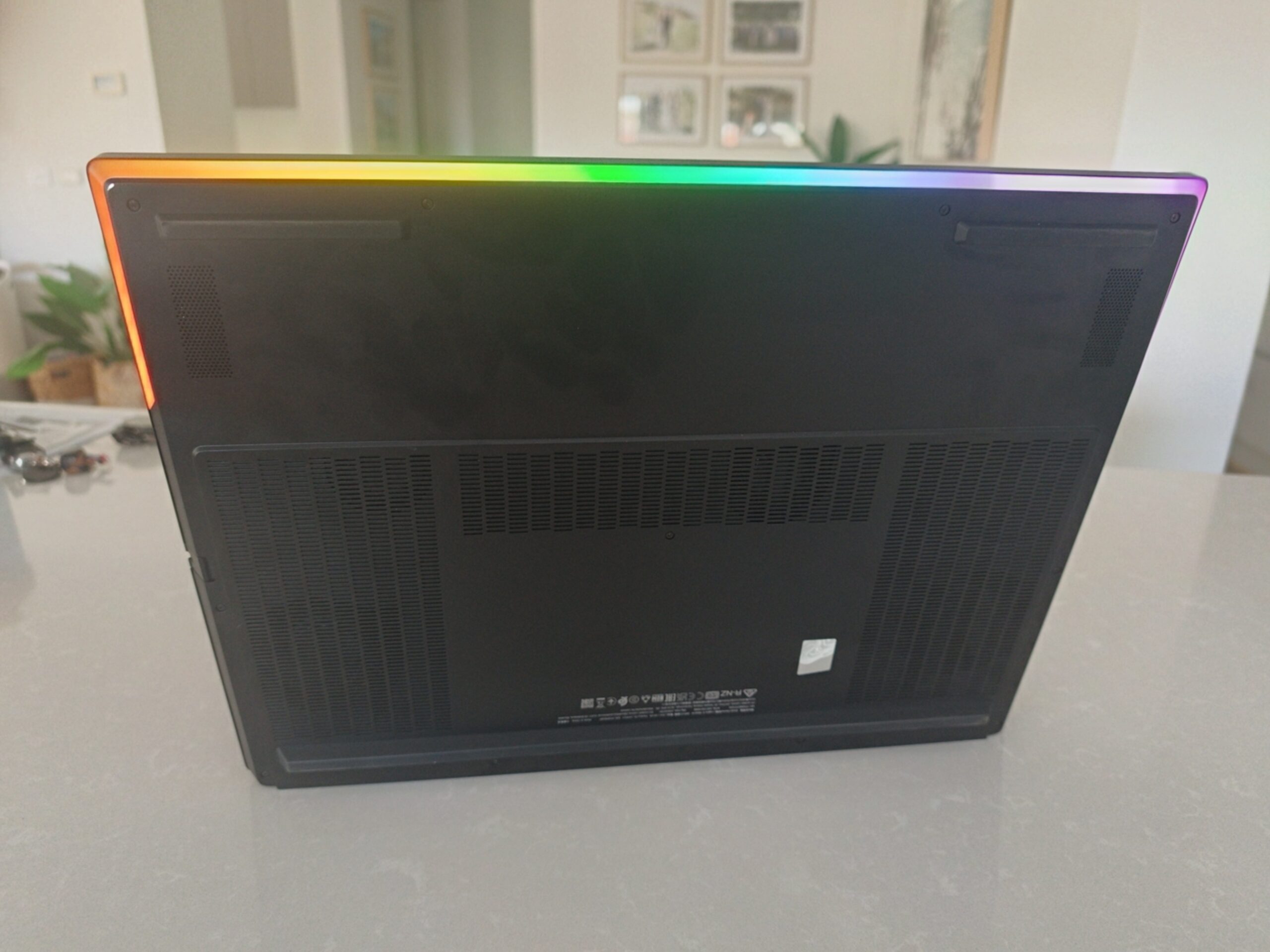
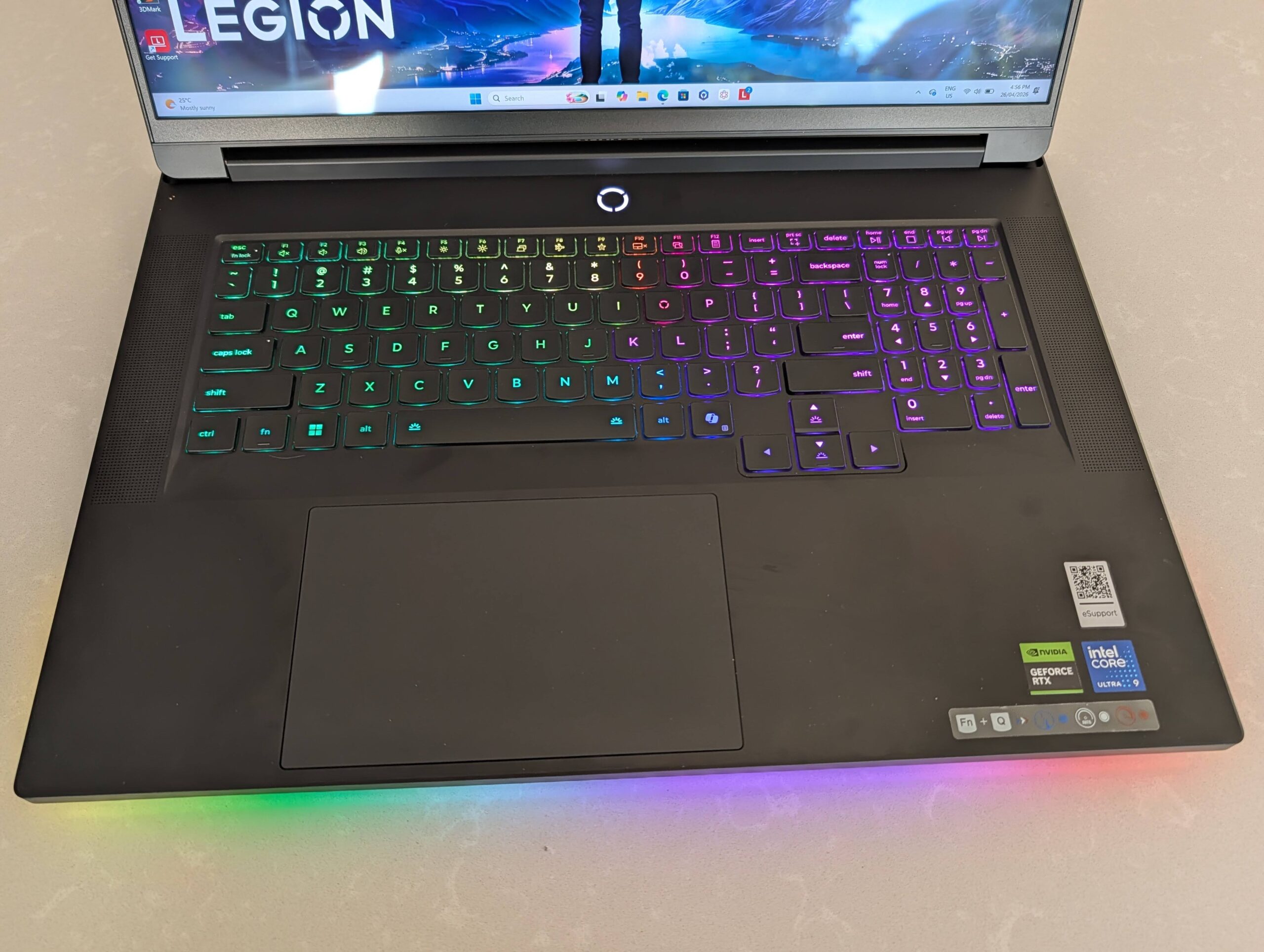
The lid has a blue-ish, marble-like appearance that looks stunning; this is no plain grey laptop lid. In the centre is the word Legion with the ‘o’ the Legion logo and when turned on, it shows off RGB lighting inside it. Lenovo has also included RGB lighting in the keyboard which is not surprised, but also in a strip along the front and part of the sides of the base of the laptop.
I love the lighting underneath the base, it adds just that extra bit of gaming to the laptop. The RGB lighting can be customised to your preference, or using one of the Lenovo presets within the Legion Space app.
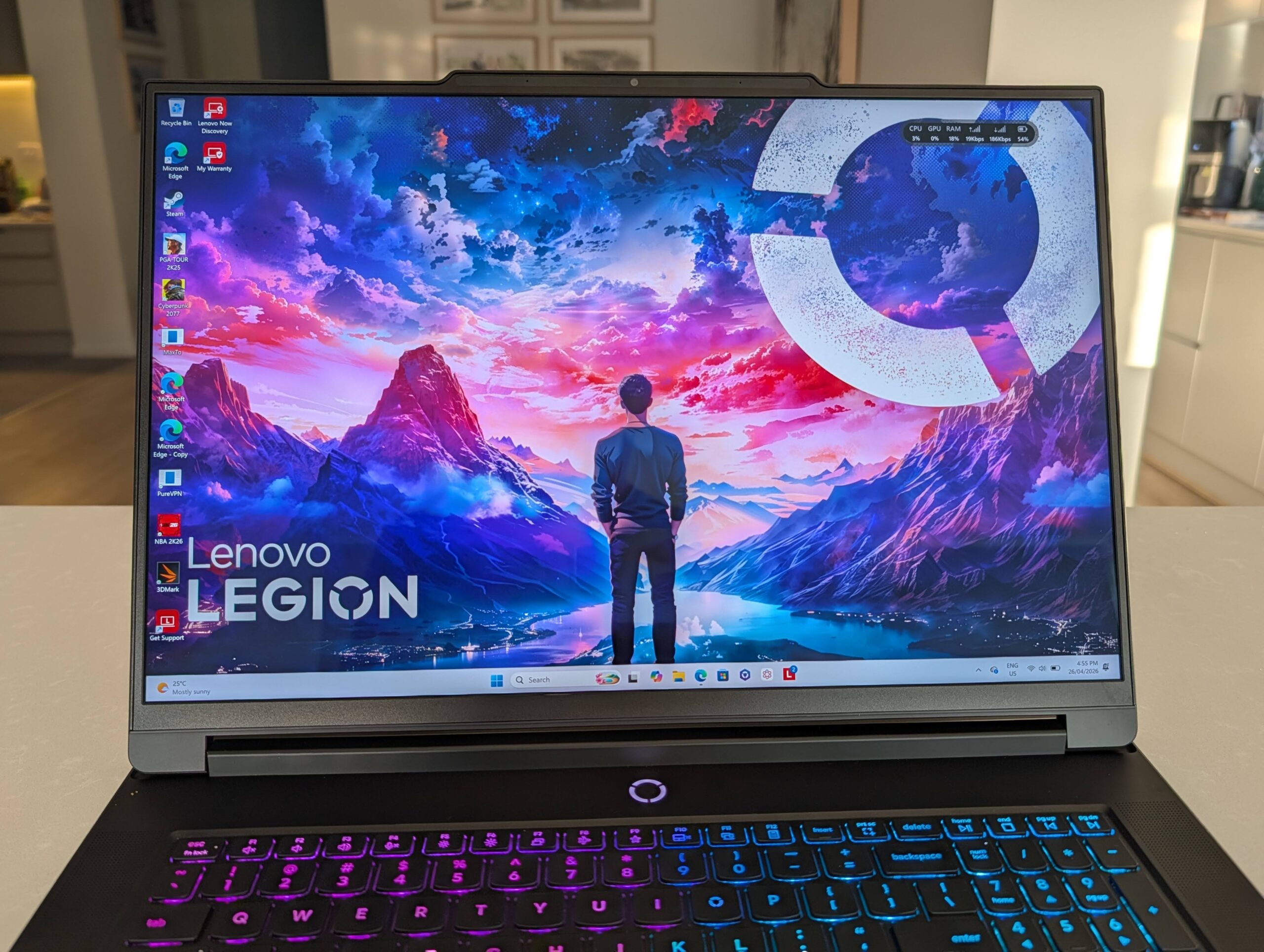
The display is massive, with very minimal bezels, and an extension above it to house the IR camera for streaming video and Windows Hello.
The keyboard is full-sized, with a numpad included, and the power button sitting above the keyboard in the centre. The power button is the Legion logo (as is the ‘O’ key) and also has lighting around it. This is not customisable, but does light up different colours depending on the status of the laptop.
On each side of the laptop are speakers that sound a bit boxy, as most laptop speakers do, but they are decently loud. Personally, I really did not use these speakers much because a proper gaming headset is far superior when it comes to the quality of sound and the immersive experience.
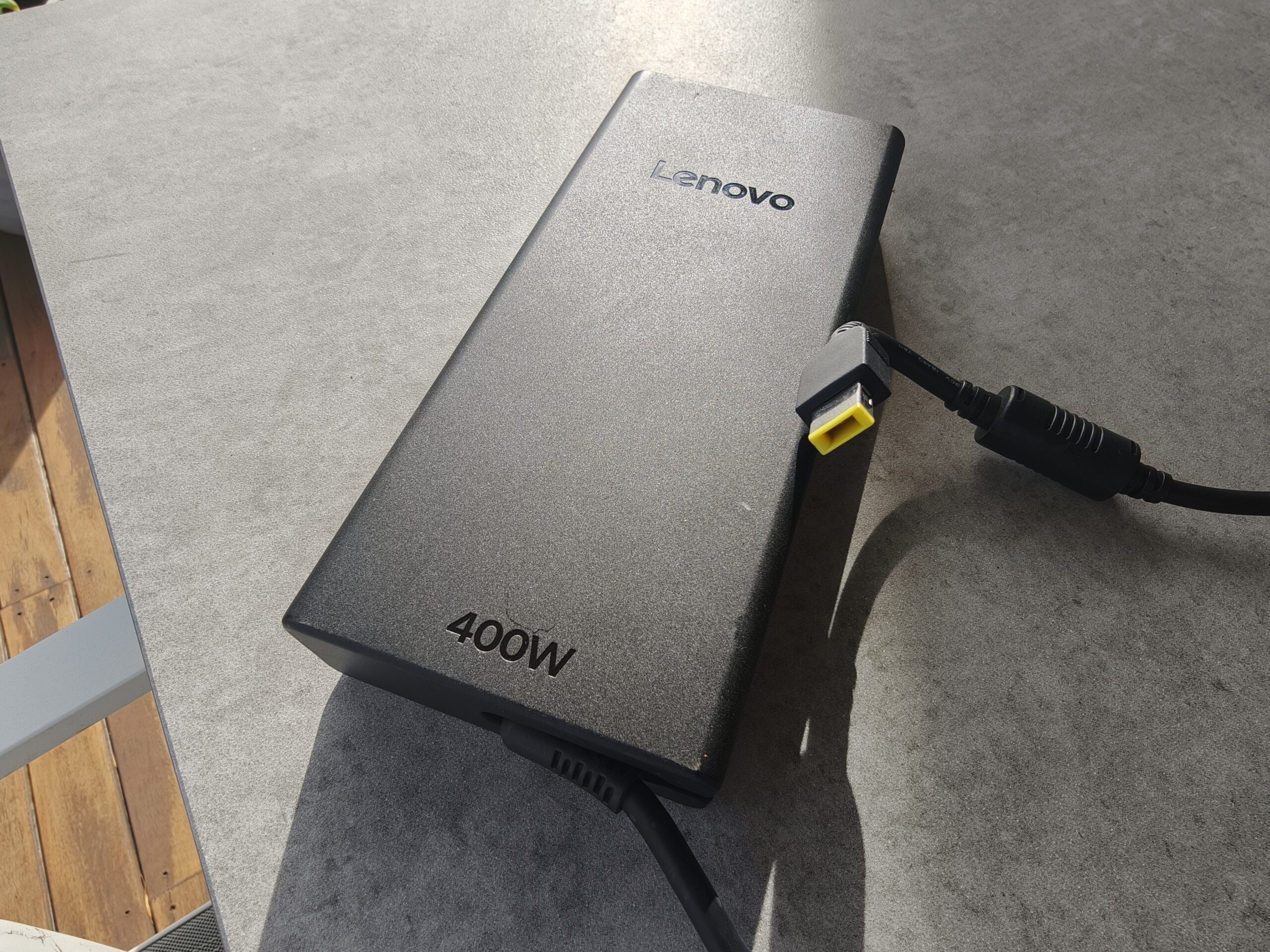
The Lenovo Legion 9i is, as you would expect of a laptop with an 18-inch display, massive. Along with the size, it is also heavy at around 3.5kg – and that is not including one of the biggest AC power adapters I have ever seen on a laptop. This is not a laptop you will want to carry around much.
Want ports? The Legion 9i has them all. The power port and HDMI ports are located at the rear of the laptop while the left-hand side of the device houses a USB-A port, an Ethernet port, two USB-C Thunderbolt 5 ports, and a 3.5mm headphone/microphone combo jack. The right-hand side of the laptop includes two USB-A ports, a full-size SD Card Reader, a USB-C port, and an eShutter button for webcam privacy.
I used all the ports at various times without any issues. I was able to extend the laptop to my desktop monitor using one of the Thunderbolt 5 ports for productivity purposes while the HDMI port worked great for extending the display while gaming.
The display is an impressive 18″ WQUXGA (3840×2400) IPS 520nits display, which shows off colours really well, although it is muted when compared to an OLED display.
The high resolution of the display made viewing 4K content really pleasant, with detail rendered beautifully.
While gaming, the 240Hz refresh rate of the display offered great fluidity, but for those wanting faster refresh rates, you can drop the display resolution to 1920 x 1200 and the refresh will top out at 440Hz – although this is quite difficult to do as it has to be done within the bios.
For myself, I preferred the higher resolution and 240Hz refresh rate, games worked as well as I could handle and also looked crisp and detailed.
The display on the review laptop also arrives with Naked-Eye 3D support. Sure, you do get a bit more depth to the display when gaming, and while I thought it looked impressive, I’m not convinced it’s particularly useful. It works well enough to show off the 3D display to others, but is it something you are going to use all the time as a serious gamer? Unlikely. I found it difficult to focus on fast-moving objects at times, but it did add some immersion when doing slow tasks.
The keyboard offers a nice travel and fast enough response for gaming and is also comfortable for long periods of typing for productivity purposes. I liked how the keycaps have a recessed/curved profile, which provided a comfortable experience, no matter what I was using the keyboard/laptop for.
The keyboard is not a mechanical keyboard, as many prefer for a gaming device, but has enough to it to be good enough. You can always connect your favourite mechanical keyboard if you wish, the laptop is certainly powerful enough to power it as well as everything else you throw at it.
The touchpad is located in the centre of the main keyboard (excluding the numpad) and is comfortable to use. It is quite large for a touchpad, but it’s a large laptop, there is enough space for a large touchpad.
Multitouch gestures are easy to perform on the touchpad and it is overall very responsive, but who is using it for gaming anyway? The soft click of the touchpad may throw some folks off but it is something I got used to.
Personally, I connect a gaming mouse to the laptop instead of using the touchpad for anything, and I dare say nearly all gamers would do the same as well.
The Legion 9i offered an excellent gaming experience. My main game for testing at the moment is Cyberpunk 2077 and the laptop had no issues at all running through it at full speed without any slowdowns or lag.
Cyberpunk 2077 also offered support for 3D gaming and while it was good for something different, the experience just wasn’t the same. I found it difficult to get my eyes to focus on the game as quickly, but the 3D effect did add depth to the graphics and made a difference, creating an enjoyable experience. That said, it will not be my go-to when playing this game.
With benchmarks, the Legion 9i was right near the top of the class with some great results, as you can see below:
The battery life is shorter than that of nearly every other gaming laptop I have used, lasting only about an hour when playing a fairly simple game like NBA 2K26. It isn’t good but if you are going to stick so much powerful hardware into a laptop, it is going to require a lot of power to run.
The AC adapter is a massive 400W unit, and while it does charge the laptop quickly, it is yet another reason this laptop may be difficult to carry around. By charging quickly, I mean really quickly. In just 15 minutes of charging, the battery level reached 50%, and 20 minutes later, at 35 minutes, it reached 82%. This is all well and good but just leave it plugged in when you can because the battery life isn’t good.
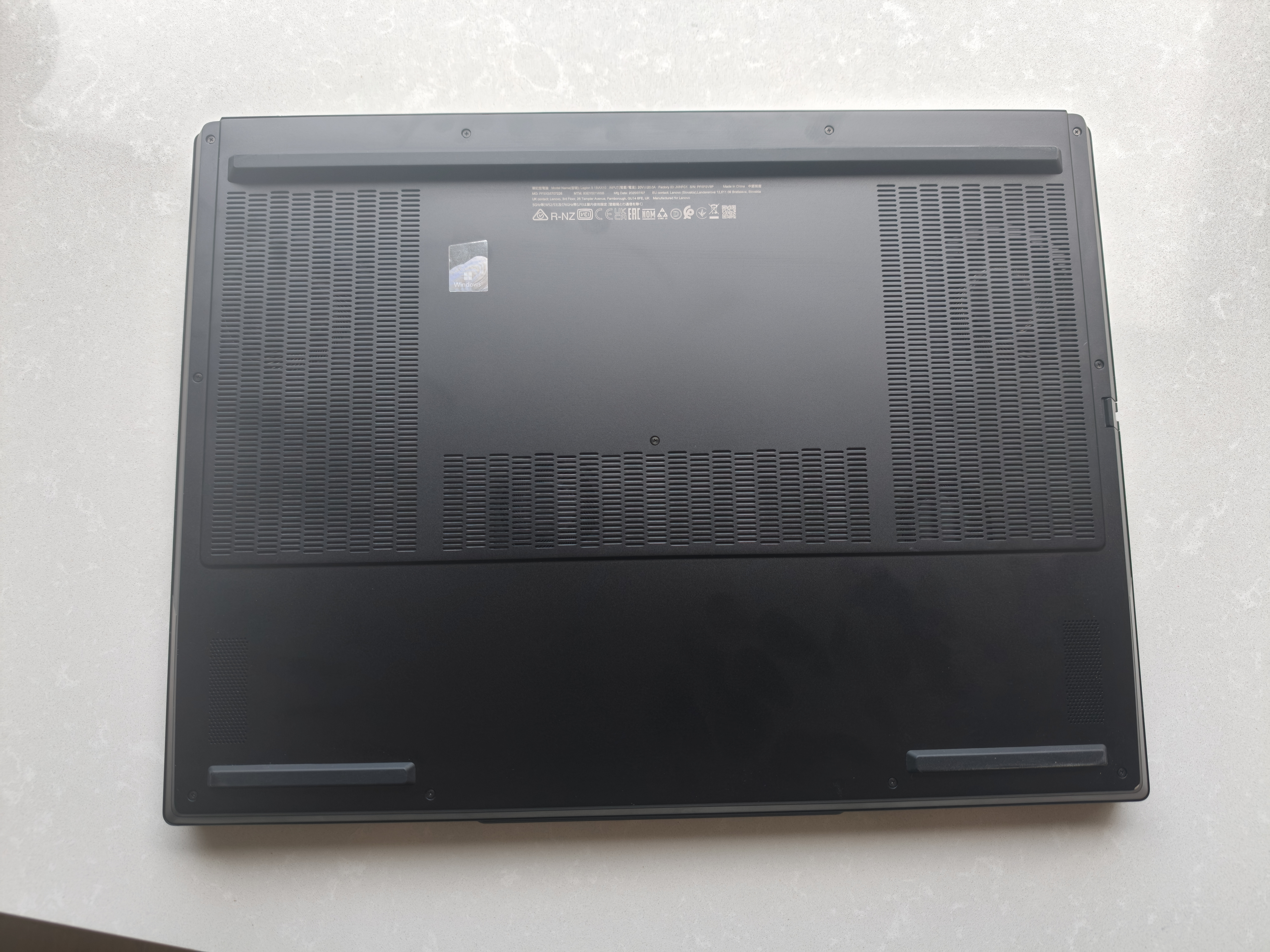
The laptop isn’t as noisy as many I have used, and while the fans are doing a lot of work, the Massive Legion Coldfront: Vapour Cooling technology seems to be taking the brunt, given how quiet the fans are.
I did not notice the laptop getting overly hot either, which was a nice change from most gaming laptops. You still wouldn’t want to be gaming with it on your lap, though, since it is still warm.
The Lenovo Legion 9i gaming laptop is certainly something else, and in a good way. It is packed with all the high-end performance hardware you could wish for and, more importantly, everything you need for a great gaming experience.
From the Intel Core Ultra 9 processor, to the GeForce RTX 5090 Laptop GPU and the 64GB of RAM this thing is packed. The display is also an extremely acceptable 18-inch 3840×2400 resolution display, capable of 240Hz refresh rate and 3D graphics.
Of course, there is a downside to this much power-hungry hardware; it chews through the battery. If you are running this on battery only, do not expect the laptop to last much more than an hour (if you are lucky) while gaming. Moral of the story, get the most out of the laptop, plug it in.
It might not be the most portable laptop around but it can be moved. With all these specs, it is not cheap. You are looking at around $ 9,000 RRP, but at the moment it seems to be on sale for around ,000.
That is still a long way from affordable, but this is the price you pay for a high-end gaming laptop. If you are in the market for a great gaming laptop that you can plug in most of the time, this could be perfect for you.
Scott is our resident open technology expert. If you can mod it, or want to use it your way, Scott has probably done it. From Laptops to phones, headphones and game consoles, he’s played with it and wants to see the next generation.
OPPO today announced that it will take the wraps off the global version of its…
It's October, Apple should be taking a break, but serial newsmaker Mark Gurman sees otherwise…
If you've bene hoping to have a richer communication with your green bubble Android mates…
If Aaron Sorkin writes it then it must be worth seeing - that's the principle…
Sennheiser recently announced its new open-ear earbuds, the Accentum Clip, which are Hi-Res Audio Wireless…
Nothing says summer more than the taste of a juicy, ripe mango and as good…