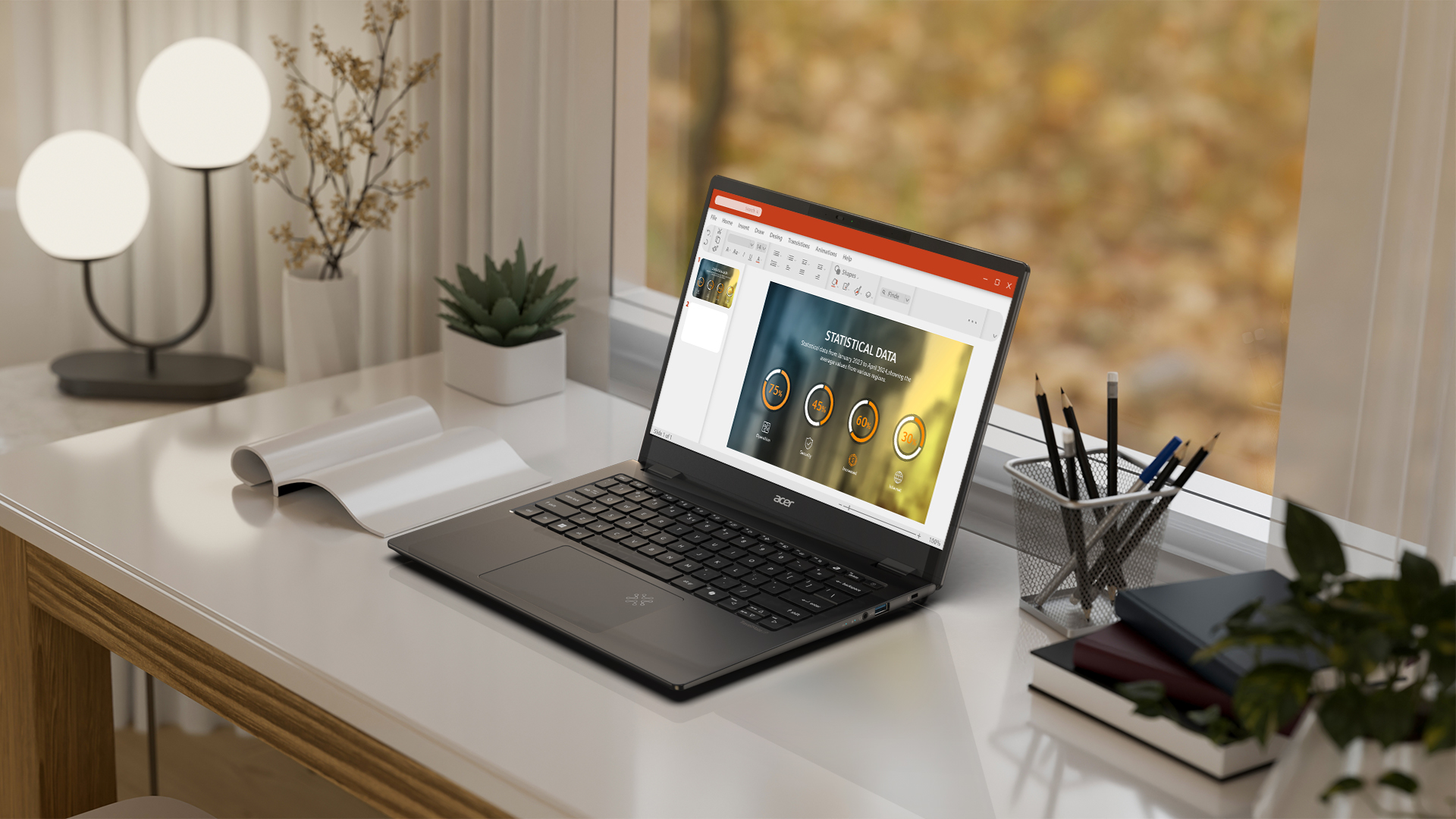
We review a lot of laptops here at EFTM and many of them are business-oriented laptops. After a while, many of them can become much of the same with not much to really distinguish between them all. The Acer TravelMate P6 14 AI is much of the same, but it has a few things going for it — it is incredibly lightweight, has all the ports you could need, has a great battery life, and has no real weaknesses when compared to most competitors.
I’ve been using it for just over a month now, and it seems to be perfect for the professional on the move. Read on to hear why I think that
Let’s start with the main thing I like about this laptop – its weight. Lifting it out of the box was a big surprise – at under 1kg (960 grams) it was incredibly lightweight. Now I’ve used light laptops before, so this is nothing new, but it’s still nice when you get one like this.
For me, a laptop is meant to be used on the go, so this Acer laptop is ideal for that. Acer state that the chassis is made of a lightweight magnesium-aluminium alloy and the lid is “Carbon Fiber” (sic), which no doubt helps achieve this sub-1kg weight.
The Acer TravelMate P6 14 AI is designed for business or productivity use, so don’t expect any fancy bells and whistles. The lid is relatively plain, with a couple of small Acer branding marks on it, and although there is no notch to help the lid open easily, Acer has designed the lip of the lid to hang ever-so-slightly over the top of the base, making it easy to open. I like this solution by Acer, and when combined with the extremely lightweight lid, it is possible to open the laptop with a single hand.
Although there are no earth-shattering bells and whistles, it does have good specs and hardware that just work. There is every port you could expect on a productivity laptop in 2025:
One thing I would have preferred is the USB-C ports to be on opposite sides to each other but that’s tough when connecting to the motherboard etc, inside the laptop. I have seen it on other laptops but that’s a nice-to-have, not a must-have.
The build quality is outstanding, especially given its lightweight design, with a solid hinge that holds the lid at any angle up to 180 degrees (flat) and is easy to adjust.
The hardware on the TravelMate P6 14 AI also supports Bluetooth 5.4 and Wi-Fi 7, so it will keep you connected at the best connectivity currently available. I had no issues at all connecting to my W-Fi 7 network and all of my headphones, so I can give it a big tick here.
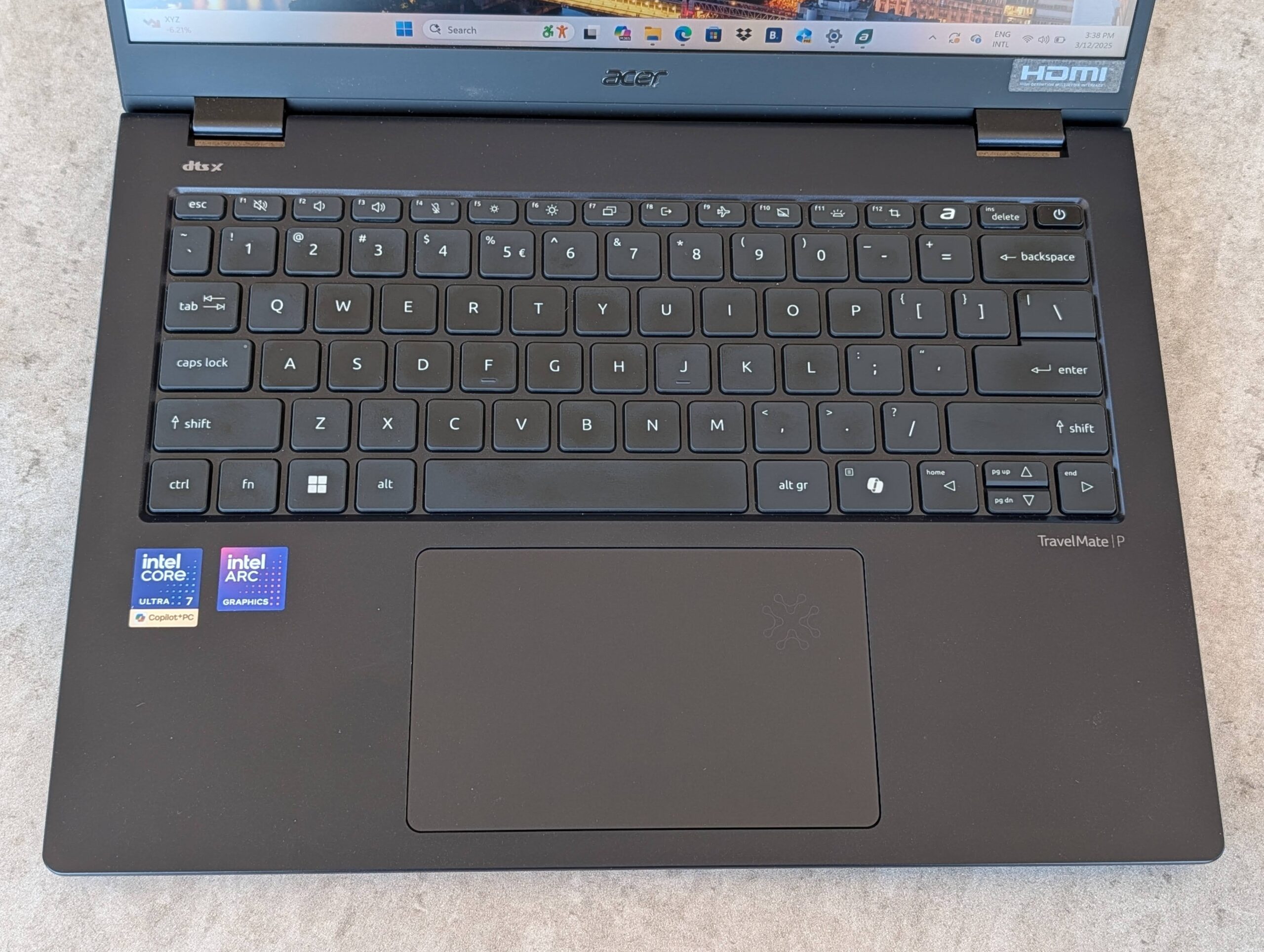
The trackpad is a decent size and not only is it big but it feels premium when using it. It gives a nice subtle click and the fingers slide across it easily and accurately – what more do you need?
The backlit keyboard houses keys that have a nice amount of travel to them, with a soft feel to them – just what I like in a keyboard. The flat keys have a nice gap between them, making for an accurate typing experience. The keyboard is not the best I have used but it was a pleasure to type on and was comfortable for longer periods of use.
There is a Copilot key located in the usual position on the right of the keyboard, because of course there is. I’m not a fan of this given how little I use Copilot (or any other AI while on a PC/laptop) but it is there if you roll that way.
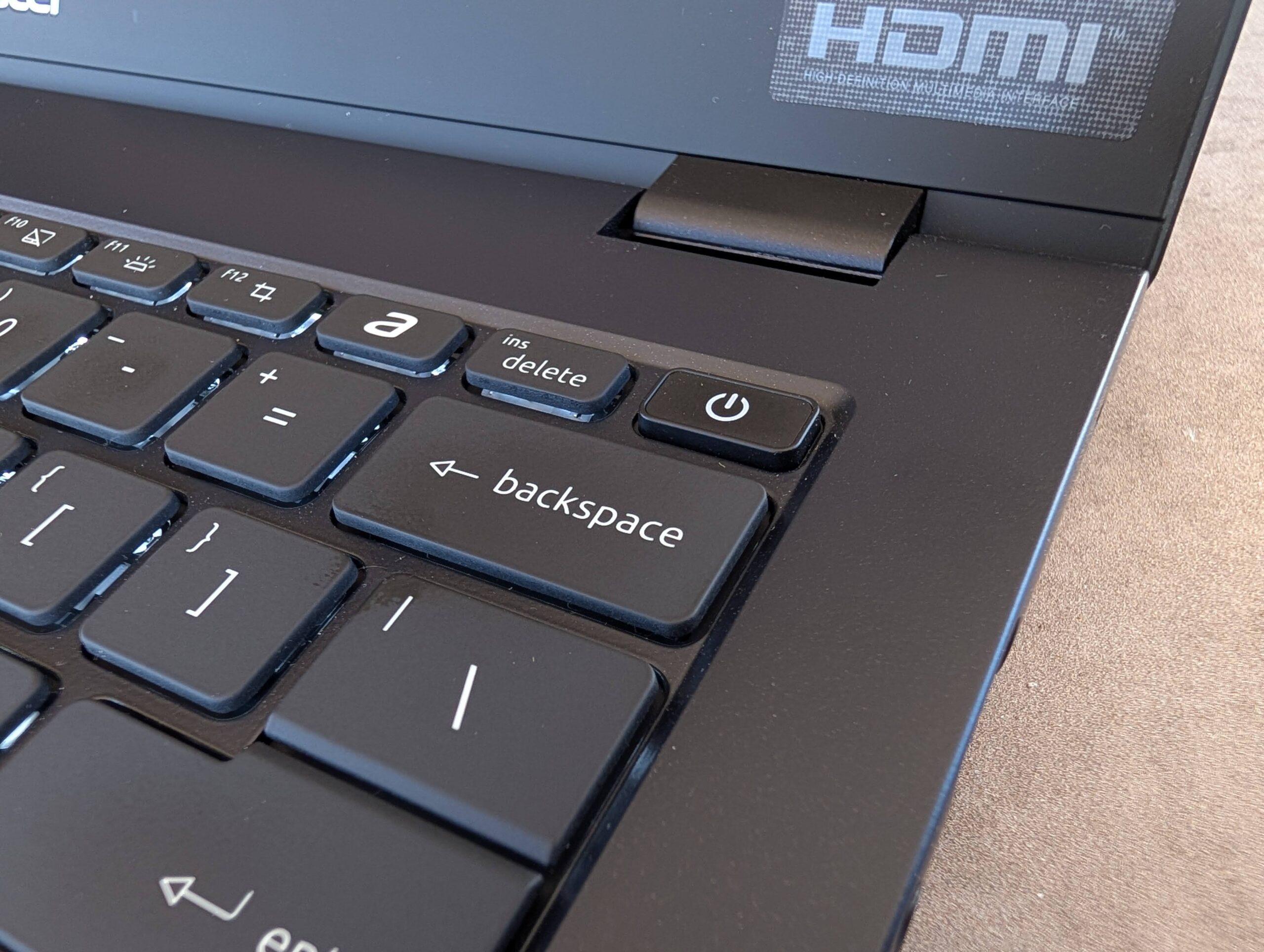
The power button doubles as a fingerprint sensor and it is accurate and quick, which is great but for those who prefer it (and I do) there is an IR camera for Windows Hello support. This is also fast and accurate, although be warned that the privacy shutter covers the IR cam as well as the webcam so if it isn’t working, check that first before panicking.
The 14-inch 2880 x 1800 display is an IPS LCD display, which is fine – it’s not an OLED, but there are not all that many productivity laptops that sport OLED displays, so there isn’t much wrong with the display choice by Acer.
It has a max brightness of 400 nits, which is good but not great for outdoor use. Get the angles with the sun right though, and you shouldn’t have anything to worry about.
The 5MP webcam and IR camera are located in the small bezel above the display, along with a physical privacy shutter for those who are privacy-conscious.
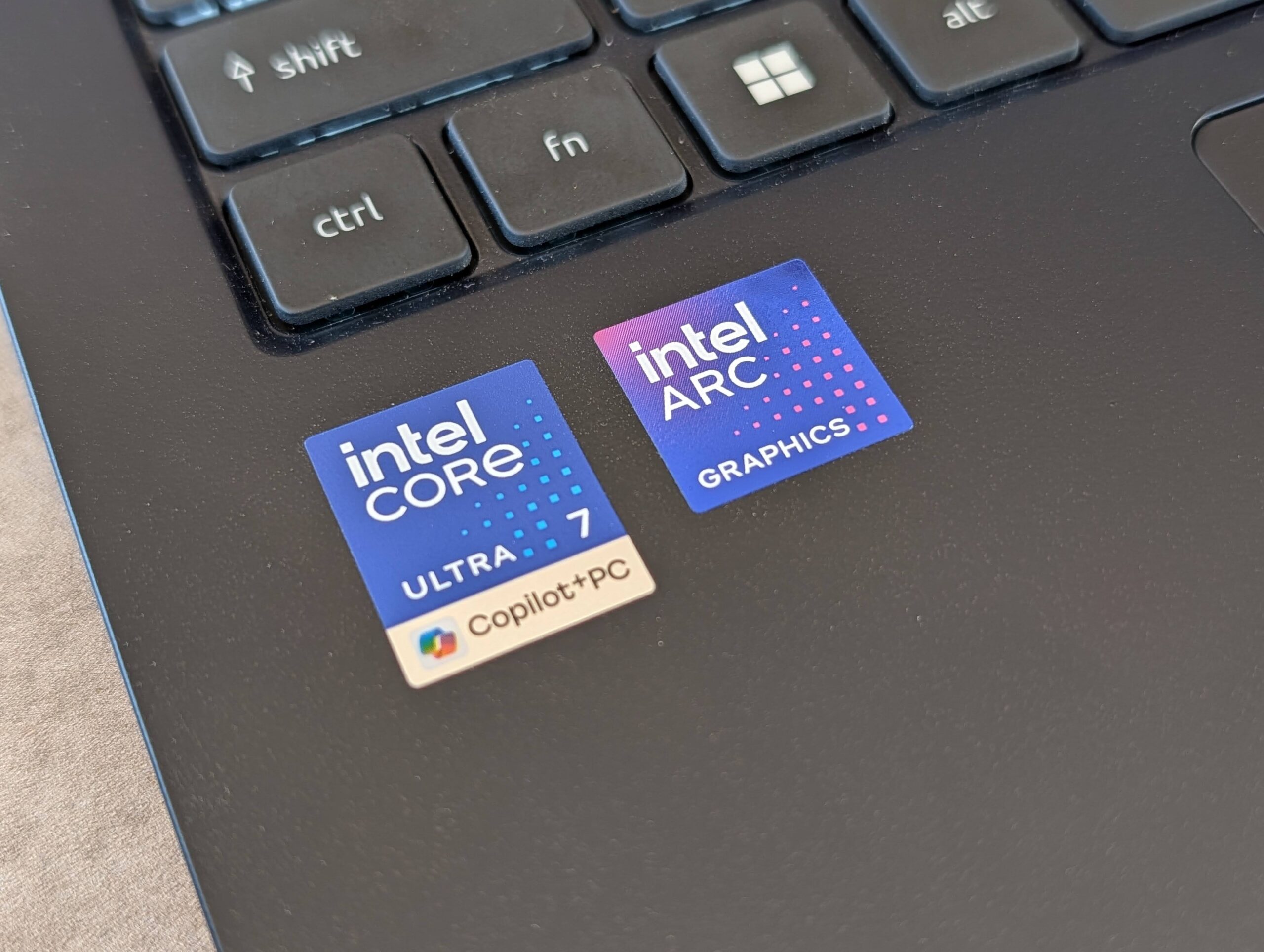
AI support is provided through the Intel Core Ultra Processors (Series 2) – Core Ultra 7 in this case – with Intel vPro for “advanced AI experiences and protections.” I’m a bit over all these AI PC applications as I’m yet to see much in the way of groundbreaking AI experiences that will actually make a difference to my life.
Often, a simple setting or application can do the same thing. If your company uses AI a lot though, this laptop will be able to perform those AI tasks on-device for you.
AI-aside, the Acer TravelMate P6 14 AI offers amazing performance – easily enough to run the programs and displays you need for your work. I ran it through my usual tests of multitasking and it was smooth as butter at all times, even when projecting onto my 45-inch 5K curved display.
The review laptop is spec’d out with 32GB of RAM, which undoubtedly explains its ability to multitask effortlessly. Add the Intel Arc GPU and a 1TB SSD, and you have all the power and storage you need in a productivity laptop.
The 65WHr battery isn’t the largest I’ve used, but the battery life is surprisingly great. I easily got over 15 hours of use, which is enough for most people to get through two days of work so that’s perfect.
The real world never really matches recommended battery life but I can say that you will be able to get two days of use with this battery, assuming you don’t have the laptop running full power at full brightness the whole time. I had it at about 40% brightness and turned the power down a bit because I didn’t need full power for my tasks.
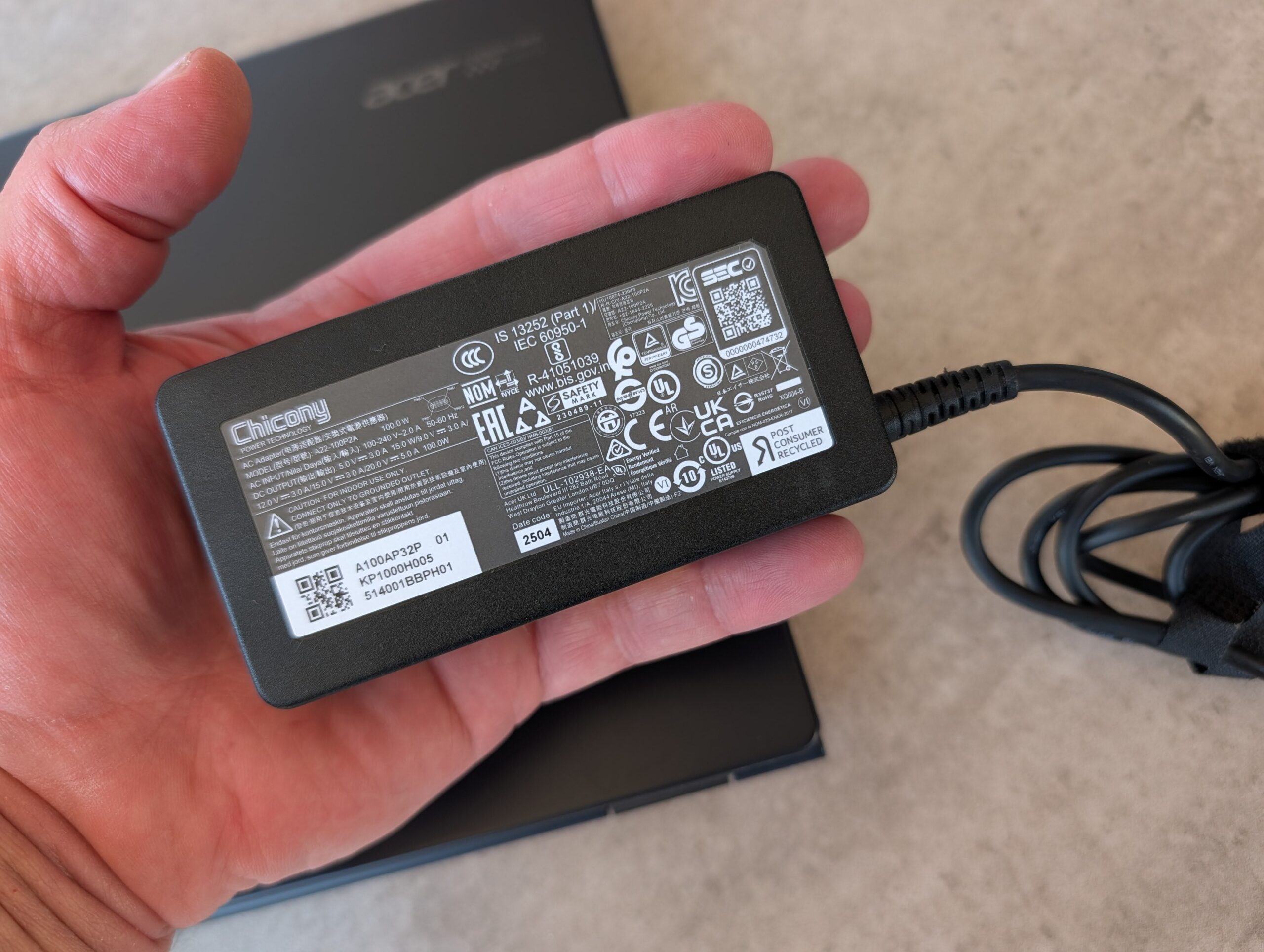
Charging is quick with the included 100W charger, which is nice, since many laptops come with much slower chargers.
Aside from the usual McAfee, which I’ve railed against previously, there is really only one other piece of software included — Acer TravelMate Sense — and it is much more useful than the bloatware sluggish memory hog that McAfee is. That is a very low bar though.
TravelMate Sense lets you easily fine-tune your system for speed, battery usage, charging, display settings, and more. There are also some custom “experiences” from Acer in here where you can try out various AI applications — none of which are game- or life-changing. I’m still waiting for that life-changing AI application—the technology is here to do it, but there is nothing worthwhile for us average Joes and Jills to use it for.
We try out a lot of laptops here at EFTM, and the Acer TravelMate P6 14 AI sits right near the top of the ultraportable 14-inch range. There is no MacBook Air 14, only 13 and 15, so this size might be just what some are looking for. I found it comfortable to type on for extended periods, with a smooth, easy-to-use trackpad.
The display is bright enough indoors, but unfortunately, nothing about the laptop screams premium and the display is just that — good enough. This is the case with virtually all productivity laptops: they are typically relatively powerful but lack the premium feel and components. No businesses want to pay premium prices multiple times over though.
As a productivity laptop, I found the Acer TravelMate P6 14 AI to be perfect. It is powerful enough to drive a large external monitor, run AI programs, and comfortably handle your everyday work tasks. It is well built and, although incredibly light at under 1kg, feels sturdy. If you are looking for a new work laptop, you should really consider the Acer TravelMate P6 14 AI for the above reasons.
In the reviewed config, the Acer TravelMate P6 14 AI will set you back around AU
One thing I would have preferred is the USB-C ports to be on opposite sides to each other but that’s tough when connecting to the motherboard etc, inside the laptop. I have seen it on other laptops but that’s a nice-to-have, not a must-have.
The build quality is outstanding, especially given its lightweight design, with a solid hinge that holds the lid at any angle up to 180 degrees (flat) and is easy to adjust.
The hardware on the TravelMate P6 14 AI also supports Bluetooth 5.4 and Wi-Fi 7, so it will keep you connected at the best connectivity currently available. I had no issues at all connecting to my W-Fi 7 network and all of my headphones, so I can give it a big tick here.
The trackpad is a decent size and not only is it big but it feels premium when using it. It gives a nice subtle click and the fingers slide across it easily and accurately – what more do you need?
The backlit keyboard houses keys that have a nice amount of travel to them, with a soft feel to them – just what I like in a keyboard. The flat keys have a nice gap between them, making for an accurate typing experience. The keyboard is not the best I have used but it was a pleasure to type on and was comfortable for longer periods of use.
There is a Copilot key located in the usual position on the right of the keyboard, because of course there is. I’m not a fan of this given how little I use Copilot (or any other AI while on a PC/laptop) but it is there if you roll that way.
The power button doubles as a fingerprint sensor and it is accurate and quick, which is great but for those who prefer it (and I do) there is an IR camera for Windows Hello support. This is also fast and accurate, although be warned that the privacy shutter covers the IR cam as well as the webcam so if it isn’t working, check that first before panicking.
The 14-inch 2880 x 1800 display is an IPS LCD display, which is fine – it’s not an OLED, but there are not all that many productivity laptops that sport OLED displays, so there isn’t much wrong with the display choice by Acer.
It has a max brightness of 400 nits, which is good but not great for outdoor use. Get the angles with the sun right though, and you shouldn’t have anything to worry about.
The 5MP webcam and IR camera are located in the small bezel above the display, along with a physical privacy shutter for those who are privacy-conscious.
AI support is provided through the Intel Core Ultra Processors (Series 2) – Core Ultra 7 in this case – with Intel vPro for “advanced AI experiences and protections.” I’m a bit over all these AI PC applications as I’m yet to see much in the way of groundbreaking AI experiences that will actually make a difference to my life.
Often, a simple setting or application can do the same thing. If your company uses AI a lot though, this laptop will be able to perform those AI tasks on-device for you.
AI-aside, the Acer TravelMate P6 14 AI offers amazing performance – easily enough to run the programs and displays you need for your work. I ran it through my usual tests of multitasking and it was smooth as butter at all times, even when projecting onto my 45-inch 5K curved display.
The review laptop is spec’d out with 32GB of RAM, which undoubtedly explains its ability to multitask effortlessly. Add the Intel Arc GPU and a 1TB SSD, and you have all the power and storage you need in a productivity laptop.
The 65WHr battery isn’t the largest I’ve used, but the battery life is surprisingly great. I easily got over 15 hours of use, which is enough for most people to get through two days of work so that’s perfect.
The real world never really matches recommended battery life but I can say that you will be able to get two days of use with this battery, assuming you don’t have the laptop running full power at full brightness the whole time. I had it at about 40% brightness and turned the power down a bit because I didn’t need full power for my tasks.
Charging is quick with the included 100W charger, which is nice, since many laptops come with much slower chargers.
Aside from the usual McAfee, which I’ve railed against previously, there is really only one other piece of software included — Acer TravelMate Sense — and it is much more useful than the bloatware sluggish memory hog that McAfee is. That is a very low bar though.
TravelMate Sense lets you easily fine-tune your system for speed, battery usage, charging, display settings, and more. There are also some custom “experiences” from Acer in here where you can try out various AI applications — none of which are game- or life-changing. I’m still waiting for that life-changing AI application—the technology is here to do it, but there is nothing worthwhile for us average Joes and Jills to use it for.
We try out a lot of laptops here at EFTM, and the Acer TravelMate P6 14 AI sits right near the top of the ultraportable 14-inch range. There is no MacBook Air 14, only 13 and 15, so this size might be just what some are looking for. I found it comfortable to type on for extended periods, with a smooth, easy-to-use trackpad.
The display is bright enough indoors, but unfortunately, nothing about the laptop screams premium and the display is just that — good enough. This is the case with virtually all productivity laptops: they are typically relatively powerful but lack the premium feel and components. No businesses want to pay premium prices multiple times over though.
As a productivity laptop, I found the Acer TravelMate P6 14 AI to be perfect. It is powerful enough to drive a large external monitor, run AI programs, and comfortably handle your everyday work tasks. It is well built and, although incredibly light at under 1kg, feels sturdy. If you are looking for a new work laptop, you should really consider the Acer TravelMate P6 14 AI for the above reasons.
In the reviewed config, the Acer TravelMate P6 14 AI will set you back around AU$2,700.
Scott is our resident open technology expert. If you can mod it, or want to use it your way, Scott has probably done it. From Laptops to phones, headphones and game consoles, he’s played with it and wants to see the next generation.
Scott is our resident open technology expert. If you can mod it, or want to use it your way, Scott has probably done it. From Laptops to phones, headphones and game consoles, he’s played with it and wants to see the next generation.
Sony most certainly aren't mucking around when it comes to their latest televisions, and the…
EV sales continue to boom, outselling Petrol month after month - we look at the…
As if the regular "September Event" where the iPhone is launched wasn't enough, it seems…
Open-ear earbuds were always a niche market but not any more. We reviewed Sennheiser’s newest…
Mova, the new kids on the block here in Australia when it comes to home…
After teasing it back in June, Microsoft unveiled the Surface Laptop Ultra during their dedicated…